
Let’s start with one simple fact: your business needs a social media presence. It doesn’t matter if you run a small local shop or a big national company. Social media is an essential piece of your business marketing strategy.

Social media helps you connect with your customers, increase awareness about your brand, and boost your leads and sales. It not only allows for tremendous outreach and networking, but also allows for interactivity that can be very beneficial to businesses. With more than three billion people around the world using social media every month, it’s no passing trend!

Instagram is a photo-sharing social media platform that was created in 2010 and bought by Facebook in 2012. Although it can be viewed on a desktop, it is primarily a mobile app. With more than 500 million people using it daily, and because it’s owned by Facebook, any brand hoping to have a serious presence online needs to be using it.
Between posts, ads and stories, there is no shortage of potential marketing tools on Instagram. We've highlighted a few ways to market your business by getting users from this social media platform to your website. Read on!
Since introducing business accounts in 2016, Instagram has made it a priority to help brands and their followers interact in meaningful ways beyond likes and follows.
Here are four simple ways Instagram enables brands to earn clicks:
The simplest way to drive traffic to your website from Instagram is by including a link in your bio. You can update this link as often as you like, to any page on your website that you would like. The brands that are driving the most revenue from Instagram frequently update the link, and then include a call-to-action in their posts that tells users to click a link in their bio.
Another simple way to drive traffic to your website from Instagram is by running an ad campaign. Unlike posts, Instagram ads are clickable. Not only can a user click an ad to go directly to whatever web page you choose, but Instagram will also add on a “Learn More” call-to-action button to help increase your click-through rate.
A newer service on Instagram allows certain businesses to tag products in their Instagram photos. When users click a product, they are shown a short product description, and then they have the option to click-through to the website to learn more or make a purchase.
While posts on Instagram aren’t linkable, stories are linkable if you have a verified account. Many brands can become eligible for verification. The small arrow at the bottom of stories indicates you can swipe up to “See More.” Once a user swipes up on a linked story, the user is taken to the brand's Web page.
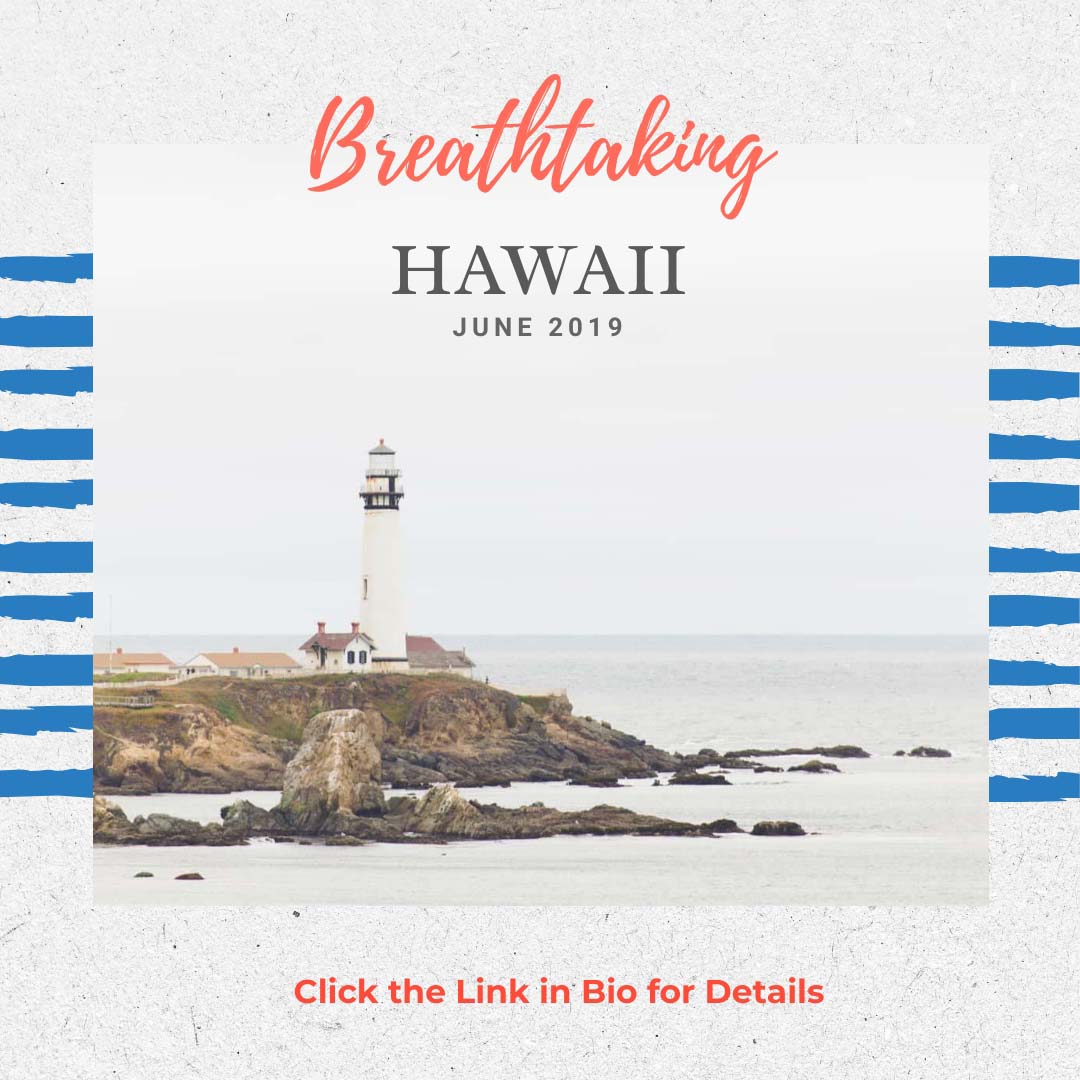
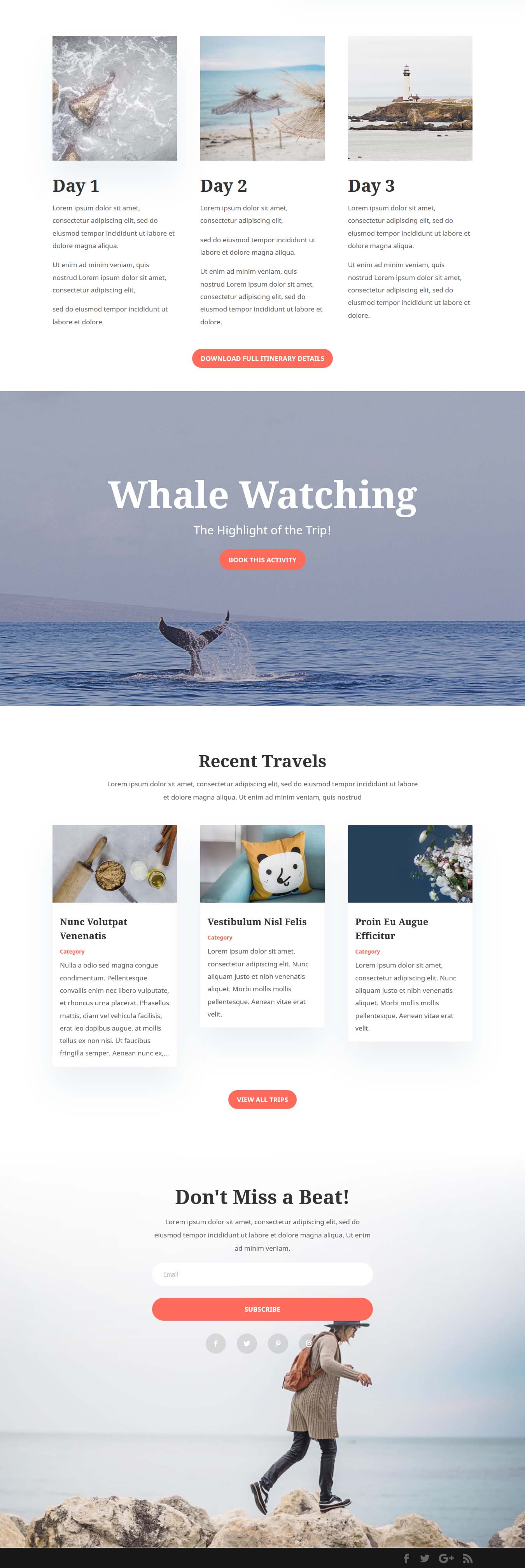
For today's demo, we're going to create an Instagram post with Crello, an online app for designing images. Our post will promote a tour to Hawaii for the business Island Tours. The goal is to have Instagram users click the bio link (tip #1 above) to go to the tour details on the Island Tours website.
What is Crello?
Crello is a free (and premium) Web-based software that helps you easily create images for social media, print and other Web-bsed graphics. It contains 30 different formats and 10,000+ free and ready-to-use templates. Crello’s templates have been designed to meet standard dimensions and quality, and the app lets you import your own images and fonts. All designs are rendered in HD and several output formats are available.
Crello offers over 12,000 free images including photos, icons, patterns, vectors, frames, shapes, and illustrations (it's owned by Depositphotos).
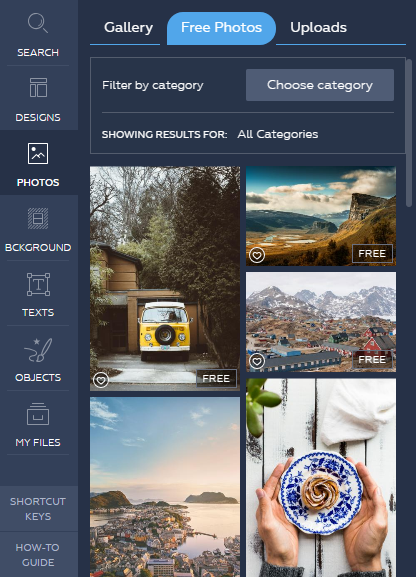
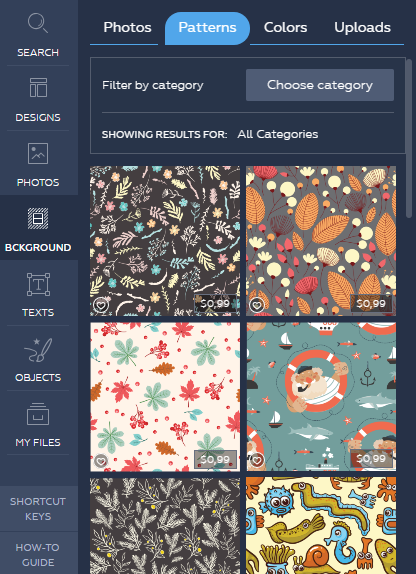
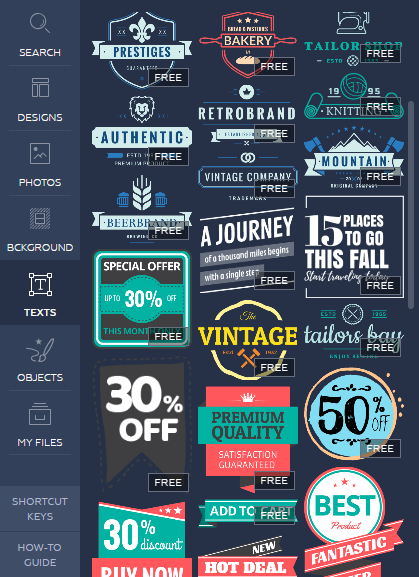
To start, you just need to select a template and do a little editing in order to have a quality image for display on your blog, website, or social media. We selected an Instagram post 1080 x 1080 px template from the Designs category. Here is the basis of our post design:
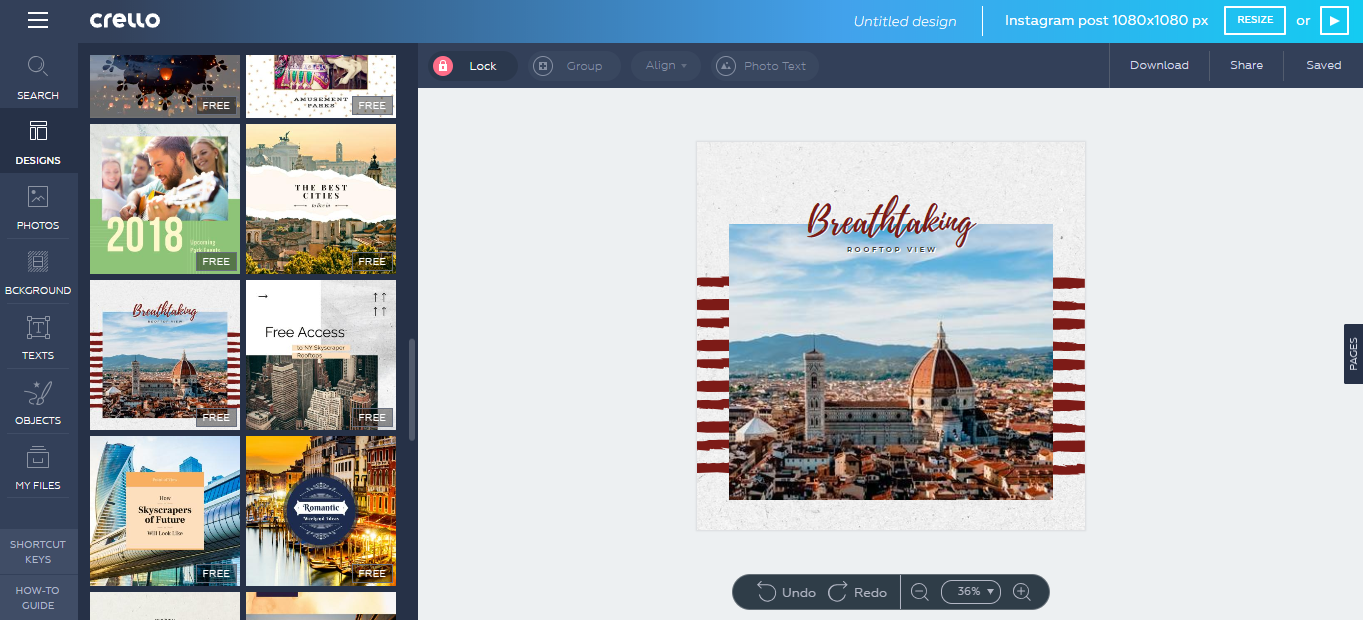
In the editor, the image, colors and text were modified to create our Hawaiian Tour post. We also ensured our post design maintained uniformity with the Island Tours Web page. Scroll down to view the newly-designed Instagram post.
Here is our final result! Our Call-to-Action is present and encourages the user to click the link in the island Tours bio to view the tour details.
The post image and colors maintain consistency with the tour details Web page (below).

Now that you have a few ideas for how to drive traffic to your website from your Instagram marketing efforts, it’s time to get started. Help your followers go from inspiration to information & purchase in just a few steps!
We hope you have found this information helpful! Until next time, happy coding!

Projects
